

Skip to content

Med spa and aesthetics clinic software for Canada

Better care.Smarter workflows.One connected clinic.

Appointments, client records, clinical workflows, and AI-powered assistance, brought together in one thoughtfully designed platform for modern aesthetics clinics.

MedClinora is in development. Accounts, clinic workspaces, and team roles work today. 43 of 43 clinic tools are released, and every tool on this page is labelled with its status.

See what’s available todayStart a 14-day Pro trial, no card

Illustration of MedClinora with fictional data: a day’s appointment schedule, a client’s treatment plan, and a website chat offering open times that the client confirms.

For every treatment you offer

Built around the care you give.

Injectables, lasers, skin treatments, and consultations each have their own rhythm. MedClinora is designed for all of them.

From the front desk to the treatment room

Made for the way aesthetics clinics really work.

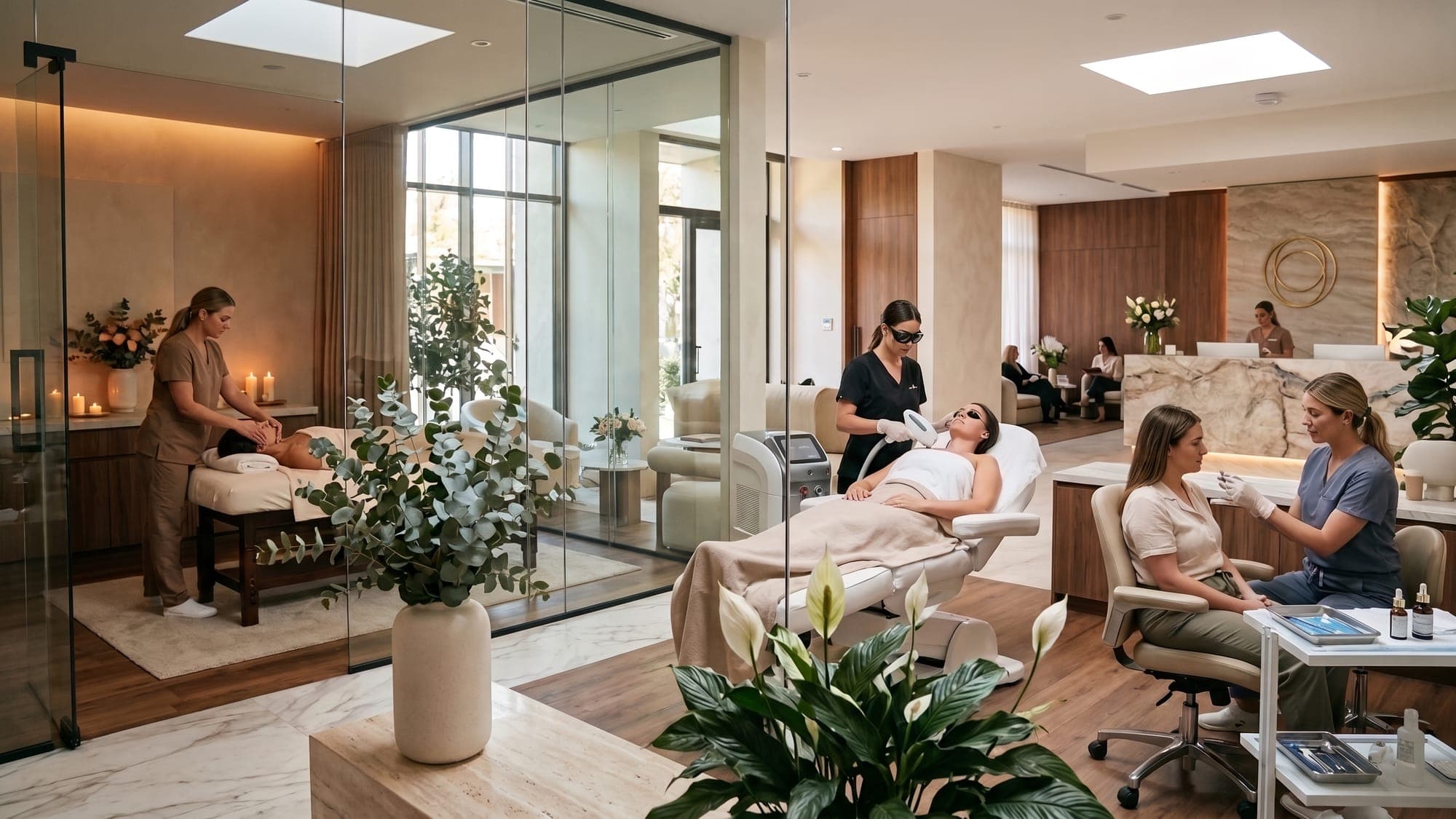
An open-plan medical spa with a massage room, consultations, laser treatments, and a reception desk

Bookings, treatment rooms, consultations, and follow-ups in one workspace, so your team spends less time on admin and more with clients.

Illustrative photo

Why clinics choose MedClinora

  • Simpler operations

    Bring everyday clinic workflows together in one workspace.

  • Connected workflows

    Less switching between tools, tabs, and paper.

  • Better patient access

    Convenient ways for clients to book and reach your team.

  • AI-assisted efficiency

    Help with supported routine tasks, with people in charge.

The platform

Everything your clinic needs. Beautifully connected.

From scheduling and client records to AI-assisted workflows, MedClinora brings essential clinic operations into one streamlined experience.

Available

See the whole week before the first client arrives.

Your schedule is the clinic’s shared source of truth: practitioners’ open times, booked appointments, and what happened to each one.

  • Publish bookable times once, for the front desk and online booking
  • One appointment per time, so two clients can't take the same slot
  • Every booking, move, and cancellation kept in the appointment's history

A clinic coordinator reviewing the week’s appointment calendar on a desktop screen
Illustration with fictional data.
Available

Every client's story, in one record.

Profiles, treatments, and plans live together, built around how injectables, laser, and skin clinics actually work.

  • Treatment records, plans, private before-and-after photos, and follow-ups
  • Completed records change only by amendment, with the reason kept
  • Clinical details visible only to the roles that need them
Illustration with fictional data.
Available

Packages, memberships, and gift cards

Sell packages and memberships and issue gift cards, with every redemption on a running ledger. Payments are recorded by your team; nothing is charged online.

A practitioner presenting a skincare routine to a client in a calm consultation lounge
Available

Notes drafted from your own words

Write your findings and MedClinora arranges them into sections. Optional AI wording is rejected if it changes your content, and you finalize every note yourself.

Available

Every website conversation in one inbox

Your team answers website chats together, assigns them, and sees urgent messages flagged straight away. When the AI assistant arrives, its replies appear here too and your team can take over at any time.

A receptionist answering client chat messages on a laptop at the front desk
A client at home on a video consultation with a practitioner on her laptop
Illustrative photo.
Available

Consultations that come to your clients.

Video consultations booked like regular appointments, so a first chat about a treatment or a quick check-in doesn’t need a trip to the clinic.

  • Booked from the same schedule as in-clinic visits
  • Fits consultations and follow-up check-ins

AI assistance, with people in charge

Less administrative friction. More focus on care.

Bring intelligent assistance into everyday clinic workflows, with tools designed to support routine tasks and help your team work more efficiently.

  • Clients confirm every booking themselves

    The assistant offers open times. Nothing is booked until the client presses Confirm.

  • Urgent messages go to people

    Messages that sound urgent skip the assistant: the client sees emergency guidance for your region and your team is notified.

  • Clinicians stay responsible

    Drafted notes need a clinician's review before they're final, and the phone receptionist never books or promises a call-back.

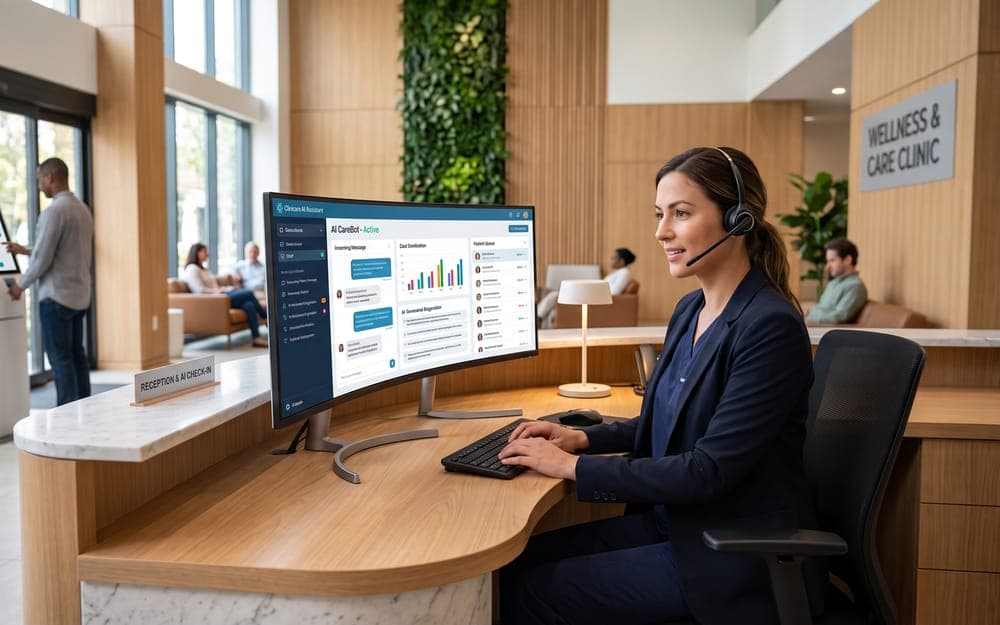
A receptionist with a headset answering client messages on a wide screen
Your team sees every conversation and can step in at any moment.
Available
Illustration: a website visitor asks a question, gets an answer from the clinic’s published information, and is offered times to confirm.
Available
Illustration: a phone receptionist answers a question from the clinic’s published hours, never books by phone, and stores no transcript.

How it fits together

One connected experience. From booking to follow-up.

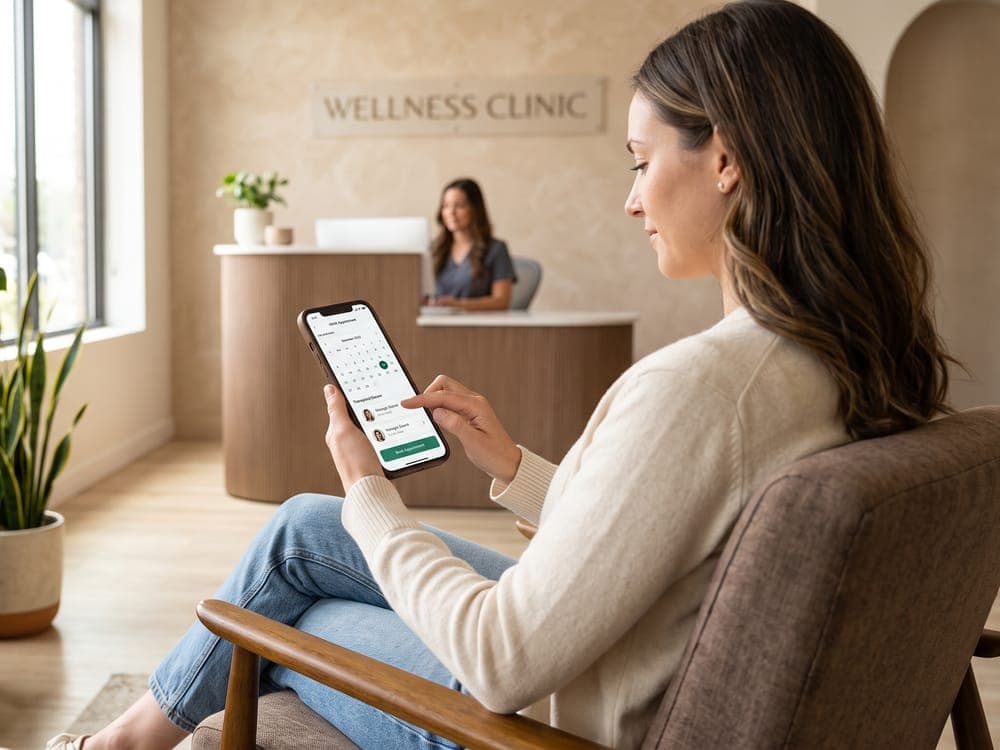
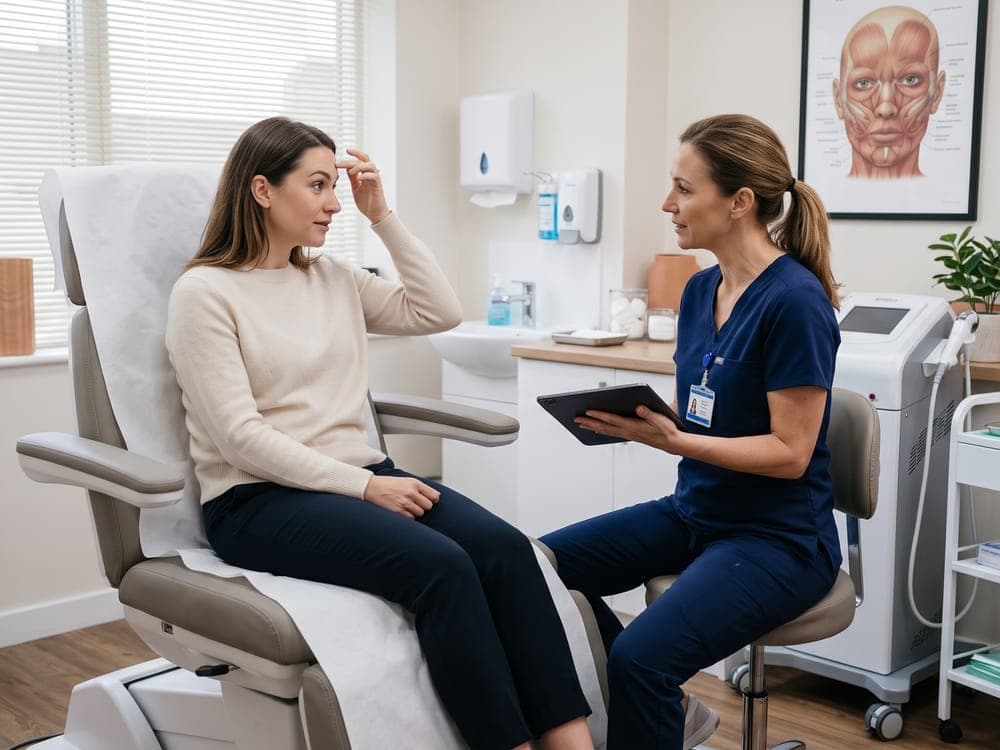
  1. A client booking an appointment on her phone in a clinic lounge1

    Booking

    Your team publishes open times and books clients into them. Client self-booking in the website chat arrives with the AI chat assistant.

    Available
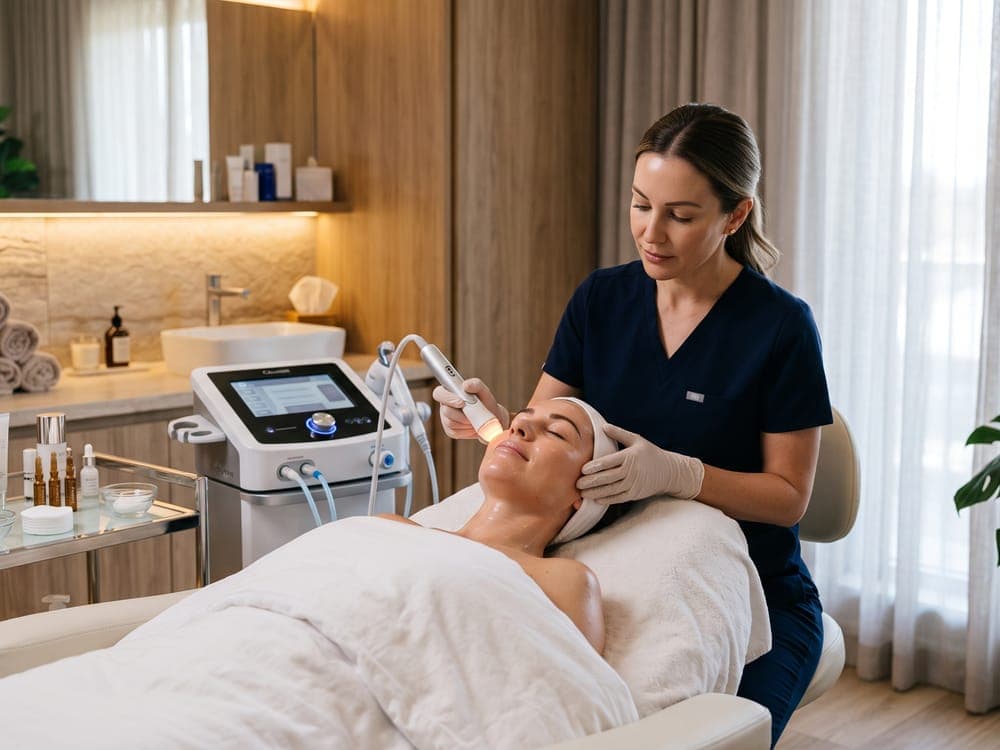
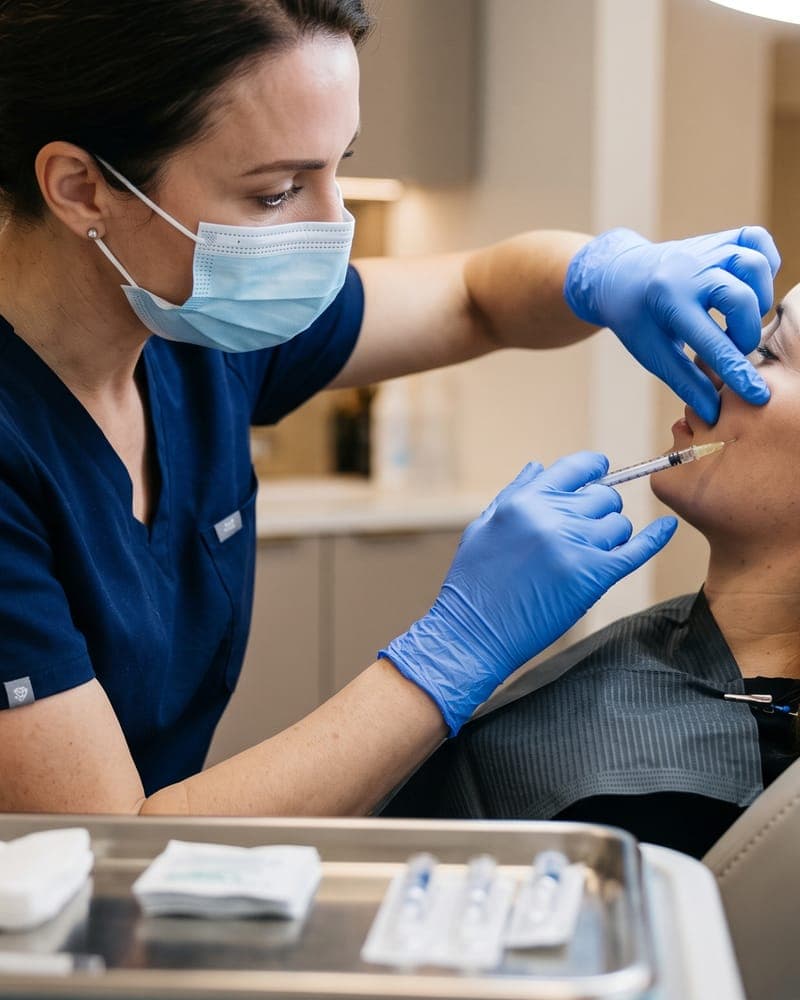
  2. A practitioner giving a client a facial treatment with a device2

    The appointment

    It appears on the clinic's schedule, where your team can move, complete, or cancel it.

    Available
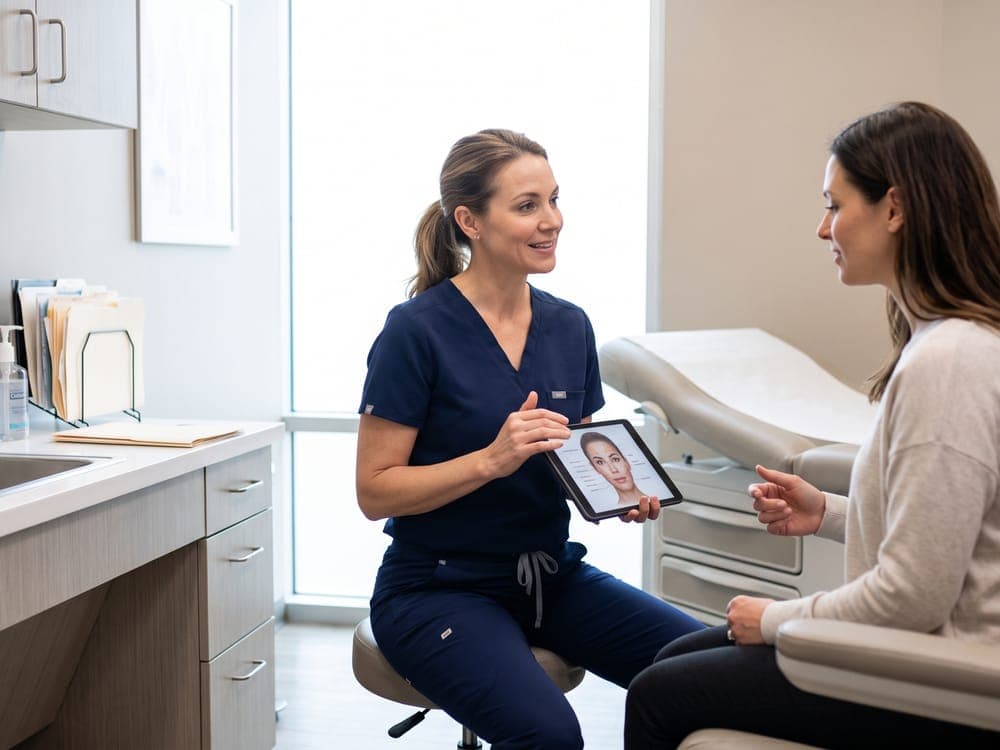
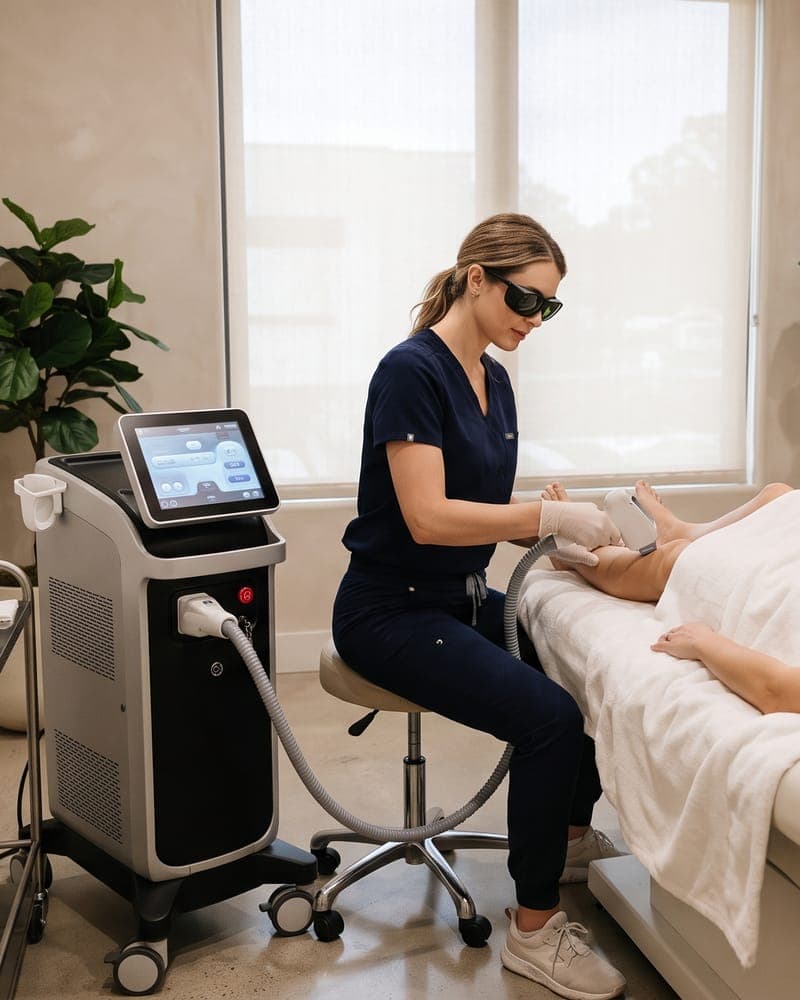
  3. A practitioner showing a client her treatment plan on a tablet3

    Treatment record

    The practitioner records what was done, linked to the client's treatment plan.

    Available
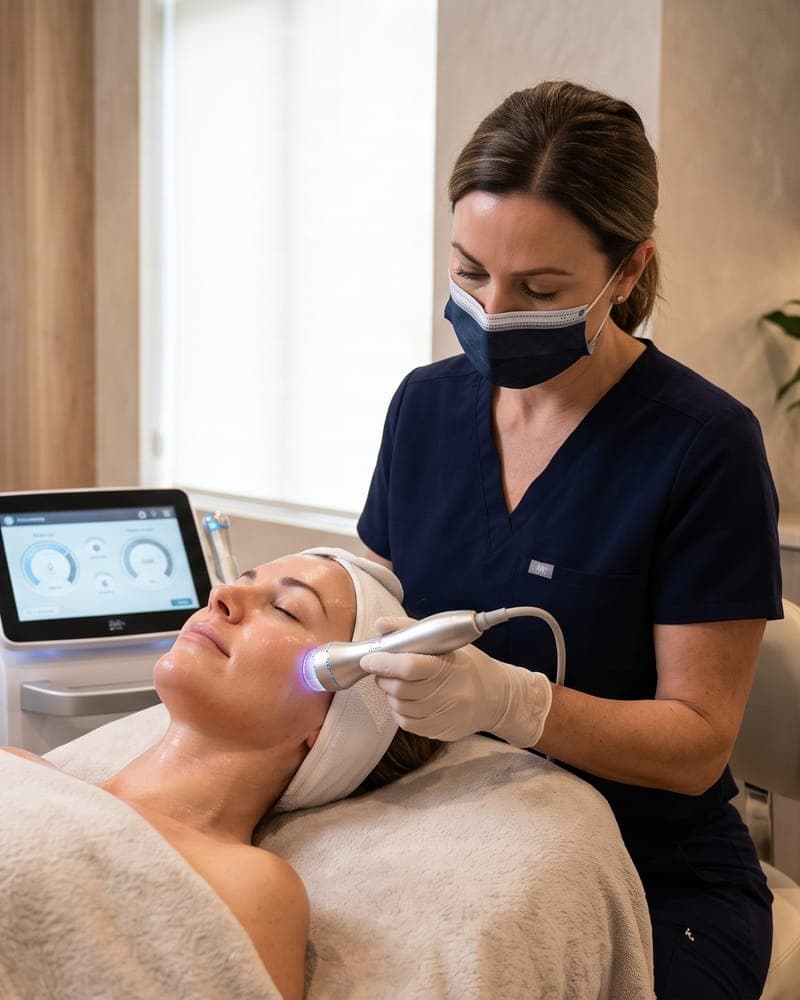
  4. A practitioner with a tablet checking in with a client after a treatment4

    Follow-up

    A follow-up task with a due date and an owner, so nobody is forgotten.

    Available

These steps happen in one workspace, and your team moves each one forward. They aren’t triggered automatically.

Security and trust

Healthcare deserves a thoughtful approach to trust.

Clear rules about who can see and change what, enforced by the server rather than just hidden in the interface.

  • A separate workspace for each clinic

    Every request is checked on the server against the clinic and the member's role, so one clinic's records stay out of another's reach.

  • Roles that match how clinics work

    Owners, managers, practitioners, and receptionists each see and change only what their role needs.

  • Verified accounts

    Email verification, optional two-step verification with recovery codes, and rate-limited sign-in. Platform administrators must use two-step verification.

  • An audit trail

    Changes to the team, plans, settings, and records are logged with who made them and when.

What each clinic role can do in MedClinora
AreaOwnerManagerPractitionerReceptionist
Client profilesCan changeCan changeCan changeCan change
Treatment records, photos and notesCan changeCan viewCan changeNo access
Packages and gift cardsCan changeCan changeNo accessCan change
Managing the team and clinic settingsCan changeCan changeNo accessNo access

The permissions each clinic role has. Each area applies as its tool is released.

What we don’t claim

We don’t show certifications, compliance badges, testimonials, or customer logos we don’t have. Ask us in a demo exactly what MedClinora does today and what’s still in development.

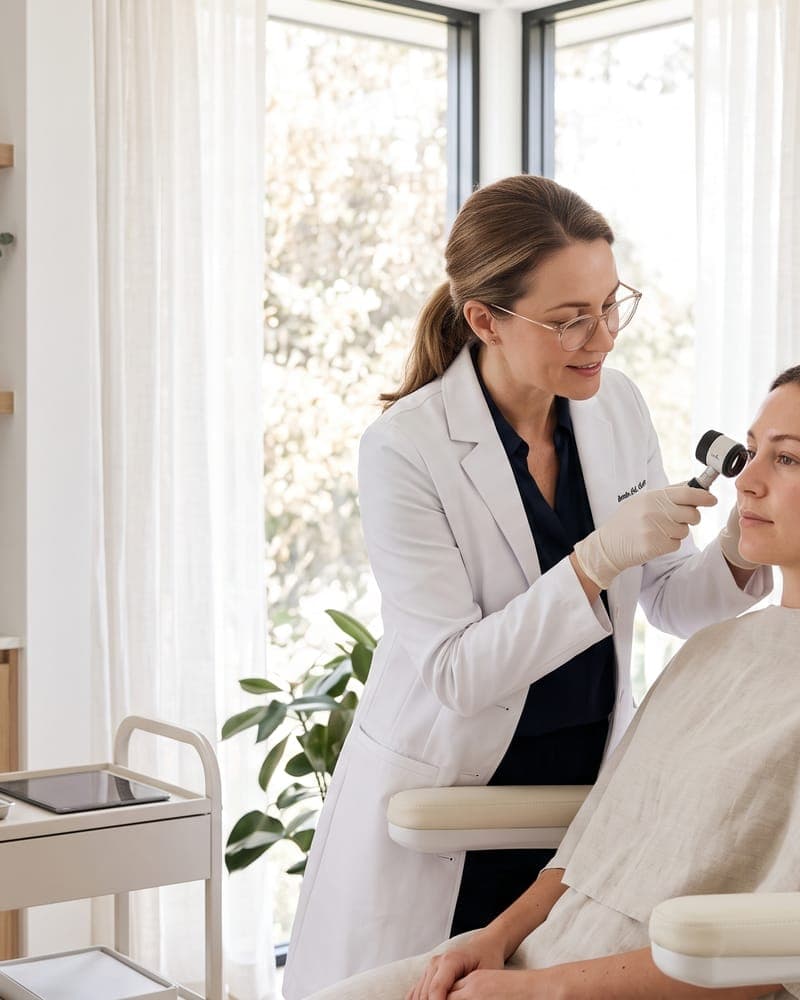
A clinician examining a client's skin in a bright consultation room
Clinical details stay with the people treating the client

Common questions

Read all questions
Which features are available today?

MedClinora provides its platform foundations plus 43 released clinic features. The Features page marks each feature as available or planned.

How does MedClinora handle security?

Accounts use verified email addresses and support two-step verification; MedClinora's own administrators must use it. Each clinic's workspace is isolated from every other clinic, every request is checked against the signed-in member's role, and sign-in attempts are rate-limited. We don't currently claim any formal security certification.

How does the 14-day trial work?

Create an account, verify your email, and set up your clinic. The clinic owner can then start a 14-day trial of the Pro plan from the clinic's Plan page. Each account can start one self-service trial; for another clinic, request a plan or ask us about a trial. When the trial ends, features pause until your clinic has a plan, and your account, clinic, team, and data are kept.

The platform at a glance

  • One connected workspaceYour own public clinic pageTheme customization includedSocial media linkingOnline bookingClient recordsTreatment plansPackages and membershipsAI assistantAI booking assistantClinician-reviewed notesSecurity built inPrivate clinic workspacesRole-based accessTwo-step verificationAudit trail

Make room for better care.

Discover a more connected way to manage your clinic, support your team, and simplify everyday operations.

No payment details. We’ll walk you through what works today and what’s planned.

Ask about MedClinora