Small Aesthetics Practices
How Solo Aesthetics Practitioners Can Save Time on Clinic Administration
Practical ways for solo aesthetics practitioners to cut repetitive admin: standard workflows, templates, reminders, organised records, and responsible automation.
Key takeaways
- Find out where your admin time actually goes before trying to fix it.
- Standardise the tasks you repeat: confirmations, forms, aftercare, follow-ups.
- Automate routine messages, but keep clinical judgement and sensitive conversations with you.
- Batch admin into set times so it doesn't spill into evenings.
As a solo practitioner, you're the clinician, the receptionist, the bookkeeper, and the marketing department. Time spent on admin is time you can't spend with clients — or away from work. The aim isn't to eliminate admin, which is impossible, but to make the routine parts quicker and more predictable.
Measure where the time goes
For one or two weeks, jot down the admin you do and roughly how long it takes. Most solo practitioners find the same culprits:
- Back-and-forth messages to book or move appointments.
- Chasing forms and re-entering client details.
- Writing the same confirmation, aftercare, and follow-up messages repeatedly.
- Reminding clients about appointments by hand.
- Writing up notes at the end of the day.
- Reconciling payments and preparing figures for your accountant.
Rank them by time spent and by how much you dislike them. Start with the item that's high on both lists.
Let clients book themselves
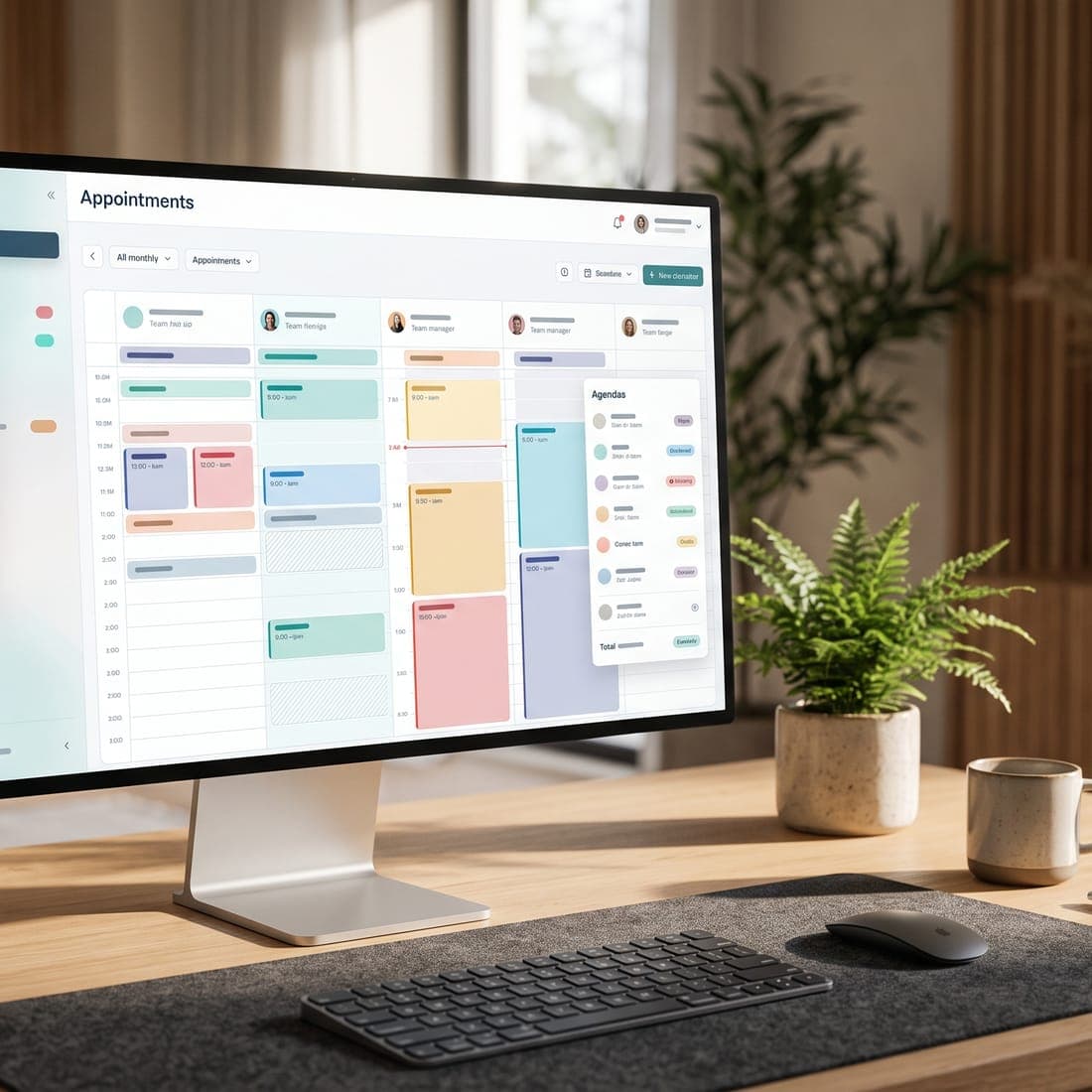
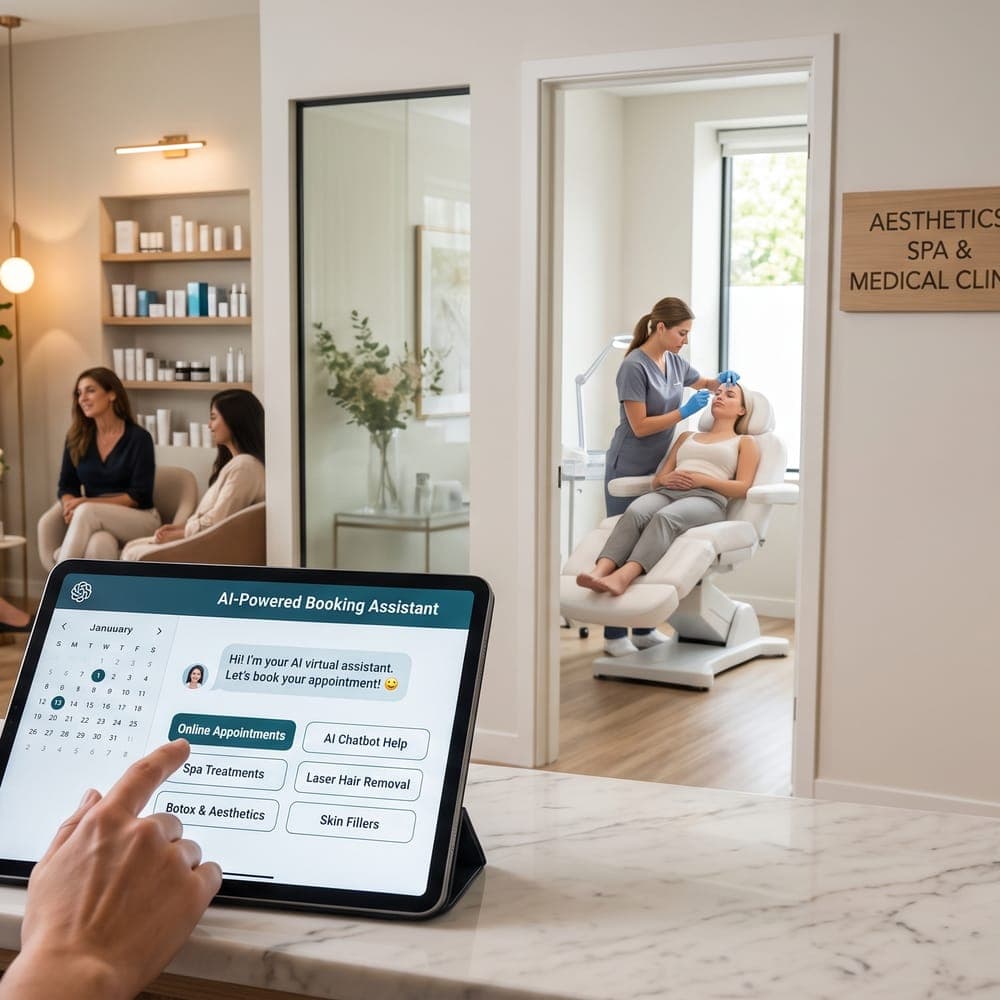
Every booking arranged by message takes several exchanges. Online booking — or a booking-request form for services that need screening first — removes most of that. Publish only the times you want to work, set sensible buffers, and send an automatic confirmation with everything the client needs to know.
Standardise the repetitive work
If you write something more than twice a week, turn it into a template. Keep a small library and review it every few months.
Templates worth having
- Booking confirmation with address, parking, and cancellation policy.
- Pre-visit message with a link to forms.
- Aftercare information for each treatment, written or approved by you as the qualified clinician.
- A post-visit check-in message.
- A missed-appointment message offering to rebook.
- Answers to common enquiries: pricing structure, consultations, and what to expect.
Do the same for your clinical notes: a consistent structure for each treatment type makes notes quicker to write and easier to read later. Your professional college's documentation standards remain the baseline.
Collect forms once, digitally
Send intake and consent forms when the appointment is booked, and have completed forms attach themselves to the client's record. You avoid typing up paper forms, you can review answers before the client arrives, and you know exactly which version of a form each client signed.
Automate reminders and routine messages
Appointment reminders are the clearest win for automation: they're repetitive, time-sensitive, and the same for every client. Confirmation requests, waitlist offers, and rebooking invitations are good candidates too.
Keep records organised as you go
- Write notes straight after each appointment, or block five minutes for them in your calendar.
- Keep everything about a client — forms, notes, photos taken with consent, payments — in one record.
- Don't store client photos or details on your personal phone or in personal messaging apps.
- Turn on two-step verification for every system that holds client information.
Batch your admin
Context-switching is expensive. Instead of answering every message the moment it arrives, set two or three short admin windows each day for replies and a weekly slot for bookkeeping and planning. Use an auto-reply or website notice to tell clients when they can expect an answer, and give urgent clinical concerns a clear, separate route.
Simplify payments and bookkeeping
- Take payment at checkout, or send a payment link, rather than chasing invoices later.
- Use deposits for long or high-value appointments if no-shows are a problem.
- Connect your payment processor to your clinic software, so payments match appointments.
- Export a monthly sales summary for your bookkeeping instead of keying in individual payments.
Get help with writing — carefully
AI tools can speed up drafting social posts, website copy, and first drafts of notes, as long as you review every word before it's used, keep client information out of general-purpose tools, and stay within advertising rules. Our guide to using AI for marketing and patient communication covers the safeguards.
A weekly routine that works
- Daily: two short message windows; notes written straight after each appointment.
- Daily: a quick look at tomorrow's schedule and any unconfirmed appointments.
- Weekly: bookkeeping, payment reconciliation, and a review of no-shows.
- Weekly: invite clients due a return visit to rebook.
- Monthly: review your templates, prices, and the numbers that matter.
How MedClinora helps solo practitioners
MedClinora brings online booking, digital forms, client records, automated reminders, waitlist offers, and payments together in one place, so routine admin runs in the background while you see clients. Optional AI features can help draft content and treatment notes for you to review. Check what's available on our features page and see plans on the pricing page.
The goal isn't to automate everything. It's to make the routine reliable, so your attention goes to clients and clinical work. For more on choosing tools, read the essential software stack for a small aesthetics practice.
Sources and further reading
General information only. This article is educational and isn’t legal, tax, financial, or clinical advice. Requirements depend on your province, your professional college, your role, and the treatments you offer — confirm them with the relevant regulator or a qualified adviser.