Small Aesthetics Practices
The Essential Software Stack for a Small Aesthetics Practice
The tools a small aesthetics practice really needs — booking, records, forms, payments, communication, and accounting — and how to avoid paying twice.
Key takeaways
- A small practice needs a handful of well-chosen tools, not a dozen subscriptions.
- Keep client records, forms, and appointments in one system where possible.
- Separate clinical records from general-purpose tools such as personal email and messaging apps.
- Review your stack once a year: total cost, overlap, and what you actually use.
When you run a small aesthetics practice, every subscription is noticeable, and every extra tool is one more password, one more place for information to hide, and one more thing to keep secure. Yet the right few tools can save hours a week and make your practice look and feel professional.
This guide sets out the core building blocks, what to look for in each, and how to avoid buying more than you need.
The core: booking, records, and forms
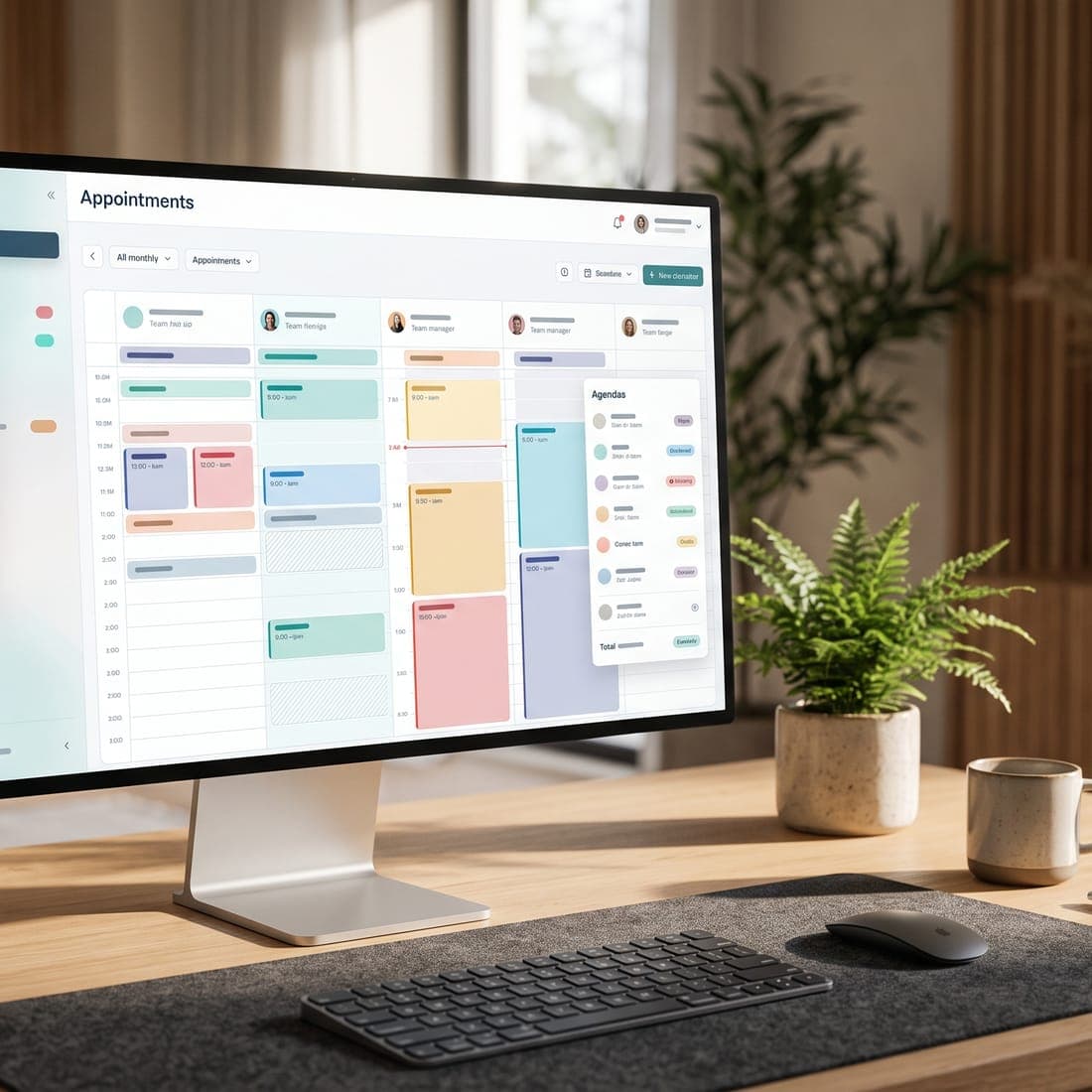
For a clinic, the most important tool is the one that holds your appointments and client records. If these live in one system, many other problems disappear: you're not copying details between apps, and you can see a client's whole history in one place.
Look for
- A calendar that handles your services, lengths, and breaks.
- Online booking or booking requests clients can use at any time.
- A client profile with contact details, visit history, notes, and signed forms.
- Online intake and consent forms, stored with the client's record.
- Appointment confirmations and reminders.
- Secure sign-in, ideally with two-step verification.
Payments
You'll need a way to take card payments at the clinic and, often, online — for deposits, prepaid packages, or invoices. The simplest setups connect your payment processor to your clinic software, so payments are recorded against the right client and appointment automatically.
- Compare processing fees, payout timing, and any monthly charges.
- Check that card details are handled by the payment processor, not stored in your own systems.
- Make sure refunds and deposits are easy to record and explain.
Communication
Clients will contact you by phone, email, text, website chat, and social media. You don't need every channel — but the ones you offer should be answered reliably.
- Use a business phone number and email address, not personal ones.
- Where possible, bring website chat and enquiries into one inbox.
- Decide which channels you'll use for appointment messages, and record each client's preferences.
- Keep marketing emails separate, and send them only to clients who have agreed to receive them under CASL (opens in a new tab).
Accounting and tax
Bookkeeping software keeps your income, expenses, and sales tax in order, and makes life easier for your accountant. Ask your accountant which product they prefer, and check whether your clinic software can export sales in a format it accepts. Whether you need to register for and charge GST/HST depends on your revenue and the services you provide — see the Canada Revenue Agency's GST/HST guidance (opens in a new tab) and confirm with your accountant.
Reporting
A small practice needs a few numbers, reviewed regularly: appointments booked and completed, no-shows, revenue by service, and how many clients return. If your clinic software reports these, you may not need a separate tool at all.
Optional extras — add only with a clear reason
- Packages and memberships: worthwhile if clients regularly buy courses or ongoing care.
- Marketing email: useful once you have a consented client list and something worth saying.
- Calendar sync: helpful if you also keep a personal or second-job calendar and want to avoid clashes.
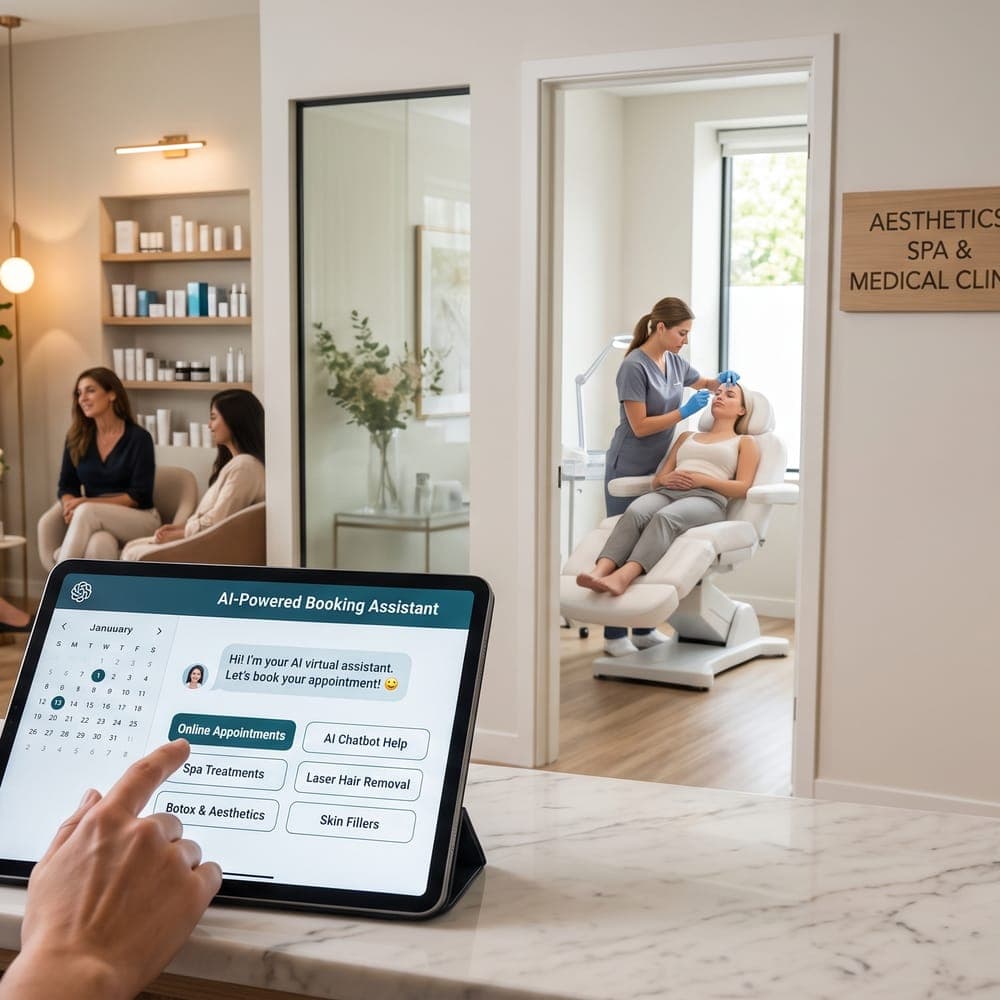
- AI assistance: can help with drafting content or answering routine website questions, with human review. See our guide to using AI for marketing and patient communication.
- Automation and integrations: valuable for connecting systems, but only once the basics run smoothly.
Avoid paying twice
Small practices often accumulate overlapping tools: a booking app, a separate forms app, a separate reminder service, and a spreadsheet to tie them together. Each was cheap on its own; together they cost more than one good system, and the information is scattered.
An annual stack review
- List every subscription and its annual cost.
- Note what each one is used for, and by whom.
- Mark overlaps: two tools doing the same job.
- Check where client information is stored, and remove copies you don't need.
- Cancel tools nobody has used in the last three months.
- Make sure you know how to export your data from each tool you keep.
A sensible starting stack
- One clinic system for booking, client records, forms, reminders, and basic reporting.
- A payment processor connected to that system.
- Bookkeeping software your accountant is happy with.
- A business email account and phone number.
- A password manager and two-step verification on every account.
That's enough for most small practices to run professionally. Add more only when a specific, recurring problem justifies it.
Where MedClinora fits
MedClinora combines booking, client records, online forms, reminders, invoices and payment records, and reporting in one system for aesthetics clinics, with optional features such as packages and AI assistance. Our pricing page shows what each plan includes, and the features page shows what's available today. For a broader checklist, see what clinic owners should look for in medical spa software.
Sources and further reading
- Ontario — Personal Health Information Protection Act, 2004 (opens in a new tab)
- Information and Privacy Commissioner of Ontario — Health privacy (opens in a new tab)
- Innovation, Science and Economic Development Canada — Canada's anti-spam legislation (opens in a new tab)
- Canada Revenue Agency — GST/HST for businesses (opens in a new tab)
General information only. This article is educational and isn’t legal, tax, financial, or clinical advice. Requirements depend on your province, your professional college, your role, and the treatments you offer — confirm them with the relevant regulator or a qualified adviser.