Small Aesthetics Practices
Setting Up Online Booking for a Small Aesthetics Clinic
How to set up online booking for a small aesthetics clinic: services, availability rules, forms, deposits, and reminders, plus a launch checklist to follow.
Key takeaways
- Online booking lets clients book at any time, but it only works if your services, lengths, and rules are set up carefully.
- Use buffers, notice periods, and consultation-first rules so the calendar stays realistic.
- Connect forms, reminders, and deposits to each booking so clients arrive prepared.
- Test the whole booking flow as a client before you share the link.
Many clients want to book an appointment the moment they decide, often in the evening, without making a phone call. Learning how to set up online booking for a small aesthetics clinic lets you capture those bookings while you sleep or treat other clients. But a booking page that's set up in a rush can create double bookings, unrealistic schedules, and clients booking treatments they aren't ready for.
This step-by-step guide shows you how to set up online booking for aesthetics clinics so it works with your schedule rather than against it.
Why online booking matters for a small clinic
- Clients can book outside opening hours, when many people plan their week.
- You spend less time on back-and-forth messages to find a time.
- Client details arrive in a consistent format, straight into your records.
- Booking pages can collect forms and deposits at the same time.
- Your calendar always shows real availability, so clients see what's actually open.
Step 1: Build a clear service menu
Your online service list is often the first thing a new client reads. Keep it short, clear, and written for clients rather than for your team. Internal codes and abbreviations that make sense to you can confuse a first-time visitor, and a confused visitor often leaves without booking anything.
For each service, set
- A plain, client-friendly name.
- A short description of what the appointment involves.
- The appointment length, including set-up, cleaning, and note-taking time.
- The price or a starting price, where you choose to show it.
- Who can perform it, if you have more than one practitioner.
- Whether it needs a consultation first.
Step 2: Set availability rules
These settings decide whether online booking keeps your days manageable or crams them full.
- Working hours for each practitioner, including regular days off.
- Buffers between appointments for cleaning, notes, and running late.
- Minimum notice, so clients can't book a slot starting in 15 minutes.
- Booking window, such as no more than eight or twelve weeks ahead.
- Blocked time for lunch, admin, and training.
- Room or device limits, if two practitioners share one room or device.
Be realistic rather than optimistic. A treatment that takes 30 minutes in the chair may need 45 once you include greeting, consent review, photos, cleaning, and notes. If you regularly run late, your service lengths are probably too short, and online booking will only make the problem visible to more clients.
Step 3: Decide which services clients can book directly
Not every service should be bookable by anyone at any time. Many clinics use a simple rule set.
- New clients book a consultation first, or a consultation-and-treatment slot, where your clinical approach requires assessment.
- Returning clients can book repeat treatments directly.
- Complex or high-value treatments go through a consultation or a booking request you approve.
- Follow-ups and reviews are booked by you at the end of the visit.
If you're not sure whether to open a service to direct booking, start with it set as a request you approve. Once you've seen what kinds of clients book it, and whether they arrive with the right expectations, you can open it fully or keep the approval step.
Step 4: Connect forms, policies, and deposits
The booking is the right moment to share what the client needs to know and collect what you need from them.
Attach to bookings
- Digital intake forms sent automatically after booking, to complete before the visit.
- Consent forms for the specific treatment, reviewed with the client at the appointment.
- Your cancellation policy, shown before the client confirms.
- A deposit for services where missed visits cost the most, with clear terms on how it's applied.
- Preparation notes approved by your clinical lead.
For more on policies, see how to write a medical spa cancellation policy, and for forms, moving from paper to digital intake and consent forms.
Step 5: Set confirmations and reminders
- Send an immediate confirmation with date, time, address, and a link to manage the booking.
- Time a reminder before your cancellation deadline, so clients can cancel in time for you to refill the slot.
- Add a confirmation link so you can see who has confirmed.
- Keep text reminders discreet and send them only to clients who've agreed to receive them.
Our guide on how to reduce no-shows at your medical spa covers reminder timing in more depth.
Once reminders are running, look at your confirmation list a day or two before each clinic day. Unconfirmed appointments are the ones worth a quick personal message, but don't cancel them automatically: many clients read the reminder, plan to come, and simply never click.
Step 6: Put the booking link everywhere
- A clear "Book now" button on every page of your website.
- Your Google Business Profile booking or website link.
- Your Instagram and other social profiles.
- Your email signature and voicemail message.
- Template replies for clients who ask how to book by message.
After launch, check which channels bookings come from. If most arrive through Instagram, make the link more prominent there; if your website brings few bookings, the button may be hard to find on a phone.
Test it like a client before launch
Online booking launch checklist
- Book a test appointment on a phone and on a computer.
- Check that the confirmation email and reminder arrive and read correctly.
- Fill in the intake form as a client and confirm it lands in the client record.
- Test a deposit and a refund, if you take deposits.
- Try to book outside your hours or inside a buffer, and make sure it's blocked.
- Cancel and reschedule the test booking using the client's link.
- Ask a friend to book without help and tell you where they got stuck.
How MedClinora handles online booking
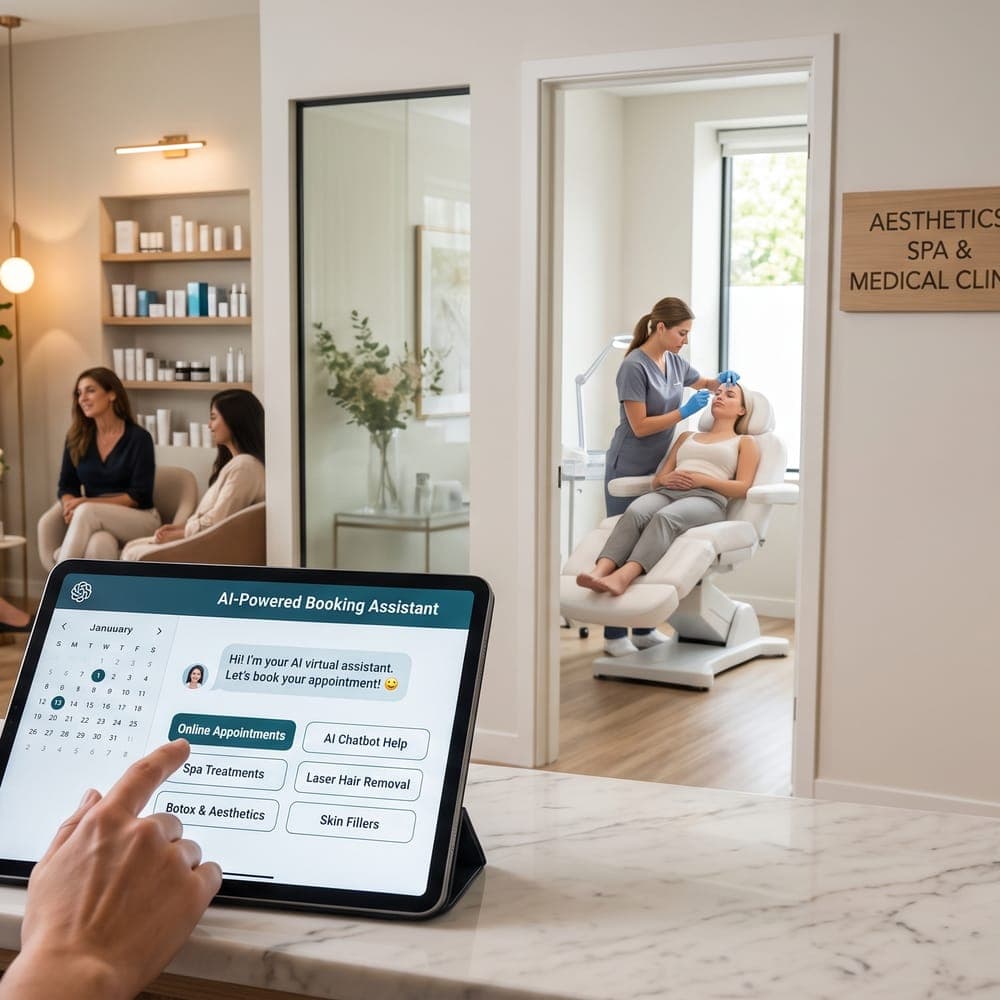
MedClinora includes online booking with service lengths and rules, appointment reminders by email (and by text where SMS is set up and the client hasn't opted out) with confirmation links, and digital forms. A smart waitlist can offer freed-up times to waiting clients, and on plans that include it, a booking assistant can help website visitors find a time and hand over to staff for anything else. See the features page for details.
Should a small aesthetics clinic offer online booking?
For most clinics, yes. It saves time on scheduling messages and lets clients book outside opening hours. Set rules such as consultation-first and buffers so the calendar stays realistic.
How do I stop clients booking the wrong treatment online?
Write clear service descriptions, require a consultation for new clients or complex treatments, and keep the list short. You can also make certain services available only to returning clients.
Should I take deposits for online bookings?
Many clinics take deposits for longer appointments, new client consultations, or peak times. Show the deposit and cancellation terms clearly before the client confirms.
Can clients book online through Instagram or Google?
You can add your booking link to your Instagram profile and Google Business Profile, so clients go straight to your booking page from either one.
A well-configured booking page takes an afternoon to set up and saves hours every week. Start with a short service list and sensible rules, test it thoroughly, then share it everywhere. For related reading, see managing bookings without a receptionist.
Sources and further reading
General information only. This article is educational and isn’t legal, tax, financial, or clinical advice. Requirements depend on your province, your professional college, your role, and the treatments you offer — confirm them with the relevant regulator or a qualified adviser.