Laser and Skin Clinics
Laser Hair Removal Clinic Software: What to Look For in Course and Schedule Management
Choosing software for a laser hair removal or skin clinic: treatment courses, devices and rooms, client records, reminders, packages, and reports.
Key takeaways
- Laser hair removal is a course of treatments, so software must track sessions, intervals, and remaining visits, not just single appointments.
- Devices and rooms are often the real constraint on a laser clinic's schedule.
- Client records should hold skin assessments, settings notes, and treatment history in one place.
- Test any system with a real multi-session course before you commit.
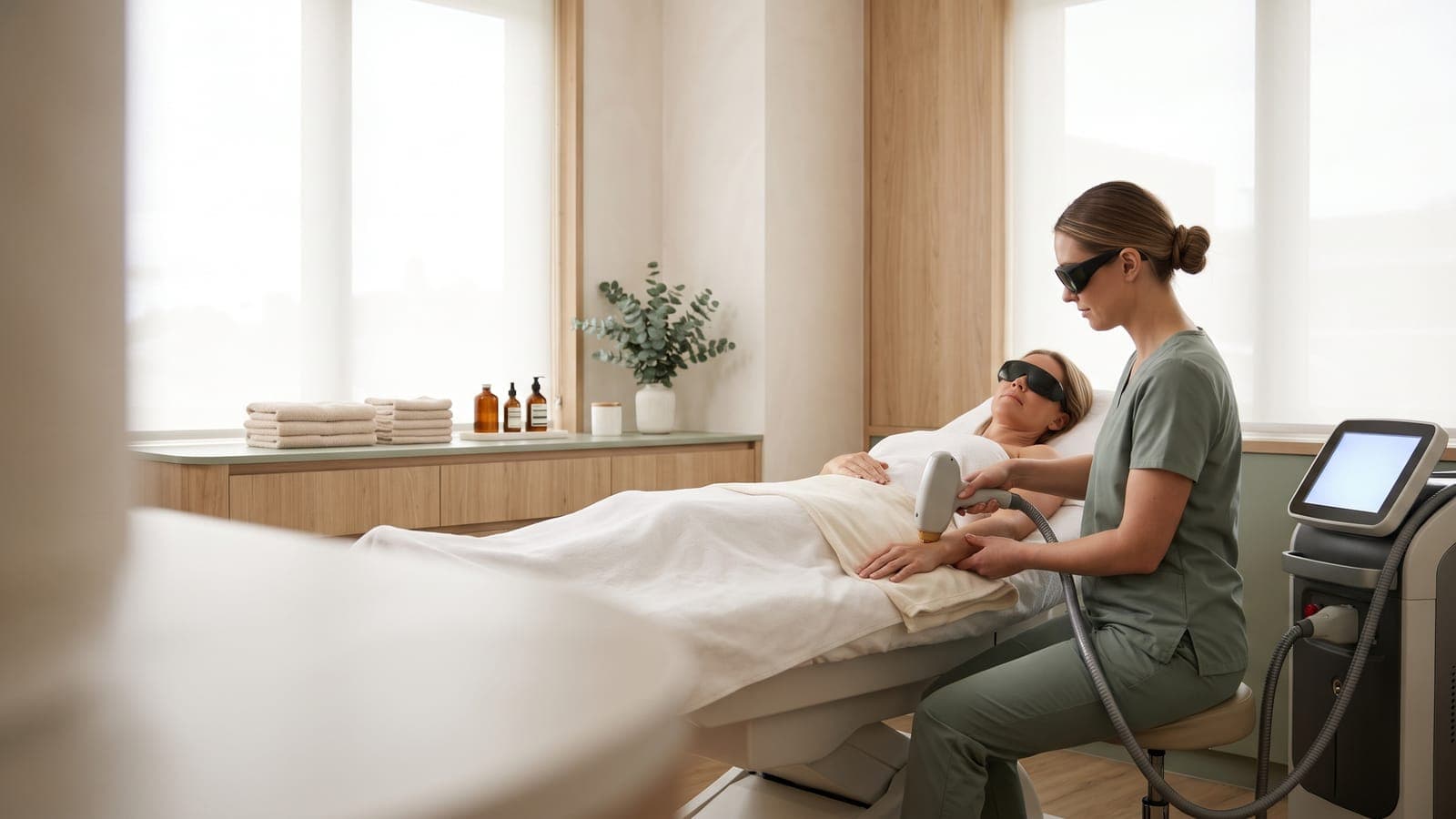
A laser hair removal clinic doesn't sell single appointments; it sells courses. A client may need a series of sessions spaced weeks apart, each recorded, each reminded, and each counted against a package. That makes laser clinics harder to schedule than many other aesthetics practices. This guide covers what to look for in laser hair removal clinic software, and which questions to ask so the system supports your treatment courses rather than working against them.
For the operational side of running courses, such as intervals, rescheduling, and follow-up, see our guide on organizing laser hair removal treatment courses. This article focuses on choosing software.
Scheduling repeat appointments and treatment courses
Laser hair removal treatment course management software should help you plan the whole course, not only the next visit. When you evaluate a system, check whether you can:
- Plan a multi-session treatment for a client and see progress through it.
- Book the next session at the end of each visit, at the right interval.
- See how many sessions remain on a prepaid package and when it expires.
- Move a session without losing track of where the client is in the course.
- Spot clients who have stopped partway through a course, so you can follow up.
Practitioners, rooms, and devices
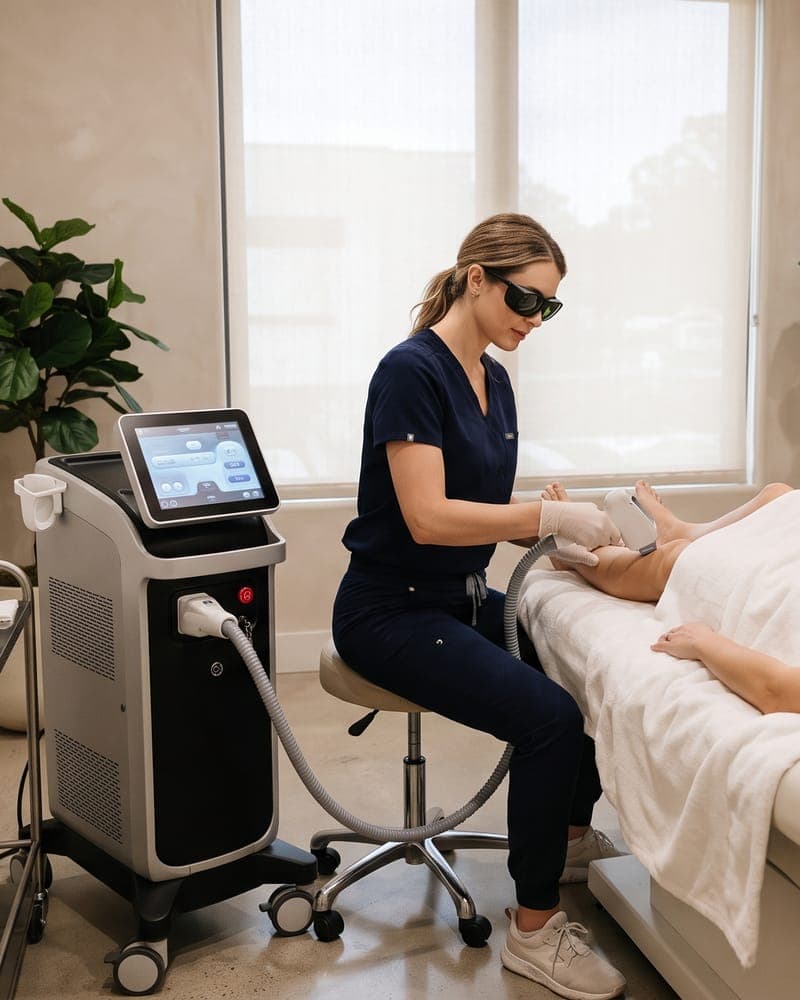
In many laser clinics, the device is the bottleneck. Two practitioners can't use the same laser at the same time, and some treatment rooms are set up for specific equipment. Laser clinic appointment scheduling software should account for this, or you'll need a reliable manual process instead.
Questions to ask about resource scheduling
- Can the system schedule a room or device as well as a practitioner?
- Can a service require a specific device, so it can't be double-booked?
- Can I add setup, cooling, or cleaning time between appointments?
- Can each practitioner be limited to the treatments they're trained for?
Keep a separate record of device maintenance and servicing. Our guide to keeping a laser equipment maintenance log explains what to record.
Client records and treatment history
Laser and skin clinic client records software should keep the information practitioners need before every session in one place: intake and medical history, skin type assessments, consent, notes from previous sessions, and photos where you take them. Check how easy it is to review a client's history quickly, and whether notes are attributed to the practitioner who wrote them.
Our guides to managing client records at a laser or skin clinic and recording Fitzpatrick skin type cover what good records include.
Reminders and follow-up communication
Missed sessions disrupt a course and the results clients expect. Look for automatic reminders before every appointment, with the preparation instructions that matter for laser treatment included or linked. Then look at follow-up: can you see which clients haven't booked their next session, and contact them with their consent?
Packages and pricing
Many laser clinics sell treatment packages for a body area. Check that the software tracks sessions used and remaining, handles expiry if your packages have one, and shows the balance on the client record. Our guide to pricing laser hair removal packages covers package design, and treatment packages at skin clinics covers tracking.
Reporting and operational efficiency
Useful reports for a laser clinic include appointment volume by service, cancellations and no-shows, and how full each practitioner's schedule is. Software for skin rejuvenation clinics and laser clinics should also help you see how many clients complete their courses. Check which reports are included on the plan you'd buy.
Laser clinic software checklist
- Multi-session treatments can be planned and tracked.
- Package sessions and expiry are tracked automatically.
- Device and room constraints are handled in the system or by a reliable process.
- Practitioners are limited to the treatments they provide.
- Client records hold intake, skin assessments, consent, notes, and photos.
- Reminders go out before every session.
- We can see clients who haven't booked their next session.
- Reports show appointment volume, cancellations, and schedule use.
Where MedClinora fits
MedClinora supports several of these workflows today. Clinics can plan multi-session treatments and track progress, sell prepaid packages that track remaining sessions and expiry, keep client records with digital intake and consent forms, and send automatic appointment reminders. On the Pro plan and above, aesthetics workflows support laser and skin services, and a consent and treatment-photo timeline keeps photos with each client's record.
If your clinic depends on room or device scheduling, confirm how it would work for your setup in a demo before you decide. See our page on laser clinic software and compare plans on the pricing page.
General information only. This article is educational and isn’t legal, tax, financial, or clinical advice. Requirements depend on your province, your professional college, your role, and the treatments you offer — confirm them with the relevant regulator or a qualified adviser.