 Technology and AI
Best Medical Spa Software in Canada: A Clinic Owner's Evaluation Guide
How Canadian clinic owners can judge med spa software: booking, records, forms, AI, Canadian-dollar pricing, privacy, and a buyer's checklist.
6 min read
Medical spa POS software
Clinic checkout that works with your business. MedClinora POS helps medical spas and aesthetics clinics check out treatments and retail products alongside the client records, invoices, inventory, treatment packages, and sales reports they already keep in MedClinora.
Instead of re-keying a sale into a separate till, the front desk checks out the appointment the client just had, adds the aftercare products they're taking home, and records how they paid. The invoice, the stock count, the package balance, and the sales report all update from that one sale.
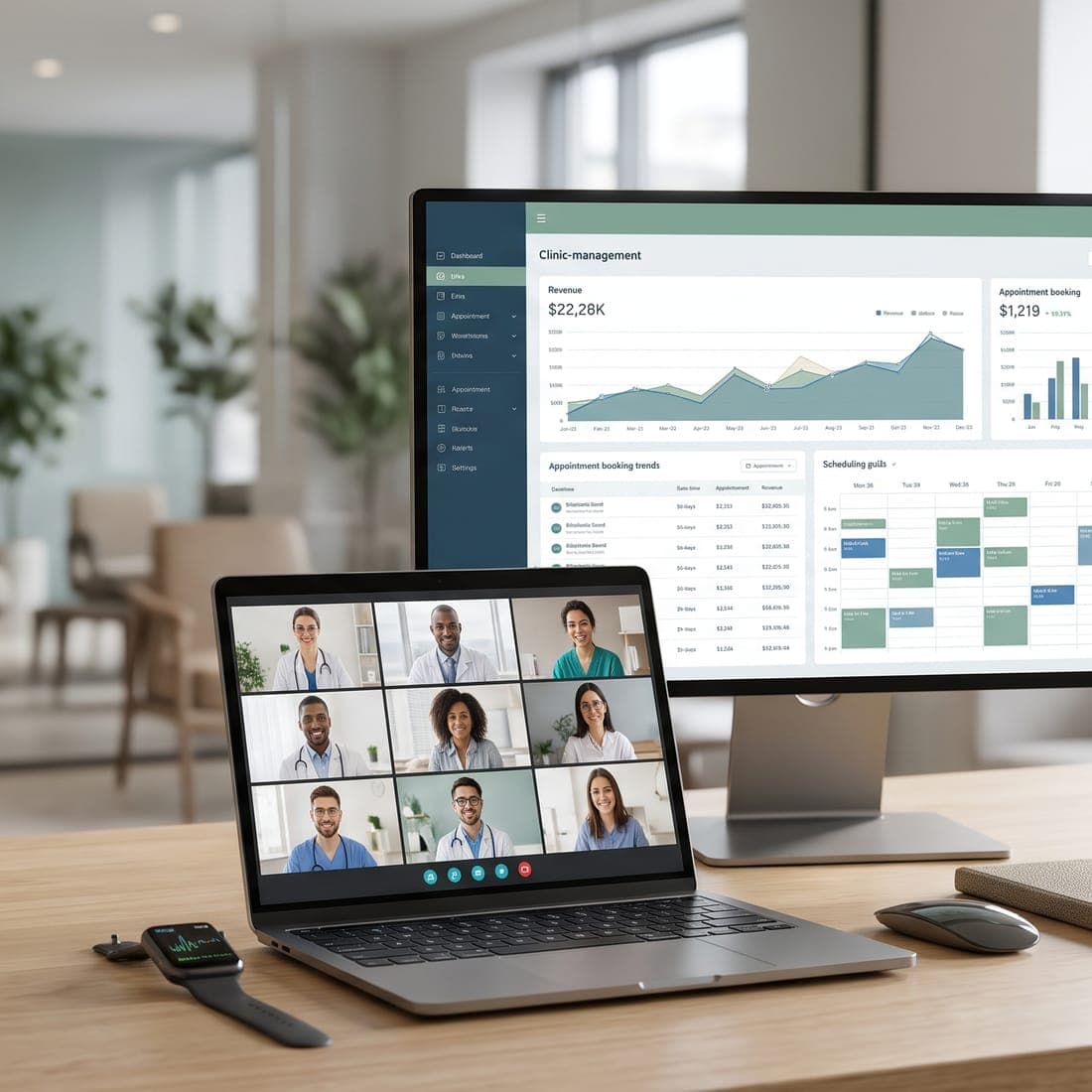
Check out a booked appointment, a client's retail purchase, or a walk-in from one front-desk screen, with the totals worked out for you.
Appointment and client sales are linked to the client, so their invoices and purchases sit with the rest of their history.
Each retail product sold comes out of stock as the sale completes, so stock counts and low-stock alerts follow what you sell.
When a client has a prepaid package for their treatment, use a session at checkout and the package balance updates.
Every sale creates one numbered invoice with its payments recorded against it, ready to print or send.
Owners and managers see sales, tips, and staff commissions for any period in the sales report.
Each feature below is part of the released checkout. Which plan includes it is shown further down and on the pricing page.
Check out the treatment from a booked appointment, priced from your service menu, together with retail products from your stock. Retail-only sales work for a named client, a walk-in, or an anonymous buyer. Each line can take a discount, using the rules the owner sets for each role.
Appointment and client sales are recorded against the client, so the client's invoices show what they bought and when, alongside their appointments.
One numbered invoice per sale, with taxes from your clinic's own rates. Clients pay with cash recorded by your team (with change worked out), a gift card, or a secure online payment link from your clinic's own Stripe account for anything left to pay. A retried sale never creates a second invoice.
Retail products are deducted from stock in the same step as the sale, never below zero, and low-stock alerts follow. On the Multi-Location plan, stock tracked by batch is sold first-expiry-first-out, and expired stock is never sold.
If the client holds a prepaid package for the treatment, use a session at checkout: the session is redeemed in the same step and the treatment line shows at no charge. Packages themselves are sold and managed from the Packages page.
Sales, discounts, tax, tips, refunds, and payment methods for a chosen period. With advanced reporting, break sales down by service, product, and team member and export them as CSV files.
The owner sets a commission rate for treatments and one for retail products. Each checkout sale keeps the rates in force at the time, so changing them later never rewrites past commissions. Tips are reported separately and never earn commission.
On the Multi-Location plan, team members check out appointments at the locations they work at, and the sales report brings every location's sales together. A per-location breakdown of the report isn't available yet.
The same six steps for every sale, on the checkout screen your front desk already uses.
Choose the appointment being checked out, then add any retail products the client is taking home.
Appointment sales carry the client automatically; for retail-only sales, pick the client or record a walk-in or anonymous sale.
Check discounts, tax, an optional tip, and the total before anything is saved.
Record cash, apply a gift card, or send a secure online payment link for the rest.
The invoice, stock, package balance, and gift-card balance are saved in one step: all of them or none.
The sale appears in the sales report, with tips and commissions, for owners and managers.
Check out a facial or peel and the aftercare products the client is taking home on one invoice.
Medical spas: learn moreCheck out each visit against the injector's appointment, so the practitioner's commission follows the treatment.
Botox and injectables clinics: learn moreUse a session from a client's prepaid laser course at checkout and see the sessions left.
Laser hair removal clinics: learn moreCombine a treatment with the home-care routine you recommend, with each product taken out of stock.
Skin rejuvenation practices: learn moreSell retail products to a client, a walk-in, or an anonymous buyer, with low-stock alerts when it's time to reorder.
Sell packages from the Packages page, then redeem each session at checkout so the balance is always current.
Multi-session treatment packages: learn moreThe checkout doesn't keep its own copy of your clinic. It reads the appointments, clients, service menu, products, packages, gift cards, and tax rates you already manage in MedClinora, and writes back to the same invoices, payments, stock, and package records.
That means the front desk sees one history per client, the owner sees one set of sales figures, and nothing has to be reconciled between a booking system and a separate point of sale.
Each feature is marked Available or Planned from what’s actually built today. Which plan includes it is on the pricing page.
Clinic checkout (POS)
The front-desk checkout for appointments, retail products, walk-ins, and anonymous sales.
Clinic payments
Invoices and payments, including secure online payment links from your own Stripe account.
Inventory and stock alerts
Stock levels and low-stock alerts that follow your retail sales.
Prepaid packages
Prepaid treatment packages whose sessions can be used at checkout.
Memberships and gift cards
Issue gift cards and memberships; gift cards are accepted as payment at checkout.
Advanced reporting
Sales by service, product, and team member, with CSV exports.
Plans start at CA$39/month for a solo practitioner, and the Pro plan comes with a 14-day free trial with no payment card. See all clinic types or the full feature list.
The clinic checkout comes with your MedClinora subscription: there’s no separate POS fee. Here’s what each plan includes, from the same plan catalog the app uses to switch features on.
CA$59/month
Includes
Available as an add-on: Sales by item and staff, with CSV exports.
CA$99/month
Everything in Growth, plus
Starting at CA$199/month
Everything in Pro, plus
Starter doesn't include the clinic checkout. Invoices and payments recorded by your team are on every plan, and prepaid treatment packages are included from Starter.
Point-of-sale (POS) software is what the front desk uses to check a client out: it adds up treatments and products, applies discounts and tax, records the payment, and keeps a record of the sale. Medical spa POS software does this alongside appointments, client records, packages, and retail stock, so the sale updates them too.
It checks out a booked appointment's treatment and retail products on one numbered invoice, applies role-controlled discounts and an optional tip, uses sessions from prepaid packages, takes products out of stock, and records payment by cash, gift card, or a secure online payment link. Owners and managers then see the sale in the sales report, with tips and staff commissions.
Yes. An appointment's treatment and the retail products the client buys go on the same sale. Retail-only sales work for a named client, a walk-in, or an anonymous buyer. Treatments are always checked out from their appointment, priced from your service menu.
Yes. Retail products are deducted from stock as the sale completes, and low-stock alerts follow. If a client holds a prepaid package for the treatment, a session can be used at checkout and the package balance updates in the same step.
Yes. Owners and managers see sales, discounts, tax, tips, refunds, and payment methods for a chosen period on Growth, Pro and Multi-Location. Breakdowns by service, product, and team member, and CSV exports, are included on Pro and Multi-Location, and available as the Advanced reporting add-on on Growth. Managers limited to some locations don't see the sales report.
Yes, on Growth, Pro and Multi-Location. The owner sets one rate for treatments and one for retail products. A treatment's commission goes to the practitioner on the appointment, and a product's to the team member who completed the sale. Commission is worked out after discounts and before tax, tips never earn commission, and treatments paid with a package session earn none.
The clinic checkout is included on Growth, Pro and Multi-Location. Starter doesn't include it, though invoices, recorded payments, and prepaid packages are on every plan. The pricing page compares what each plan includes.
No. The checkout takes cash recorded by your team, gift cards, and a secure online payment link from your clinic's own Stripe account for anything left to pay. MedClinora doesn't connect to card terminals, offer tap-to-pay, or manage a cash drawer.
Yes, on the Multi-Location plan, which is arranged with our team. Team members check out appointments at the locations they work at, and the sales report brings every location's sales together. A per-location breakdown of the sales report isn't available yet.
Technology and AIHow Canadian clinic owners can judge med spa software: booking, records, forms, AI, Canadian-dollar pricing, privacy, and a buyer's checklist.
6 min read
 Technology and AI
How med spa software is priced in Canada: subscriptions, practitioner limits, add-ons, AI allowances, setup and payment costs, and the total cost.
5 min read
 Laser and skin
How to price laser hair removal packages by area: work out your costs, set session lengths, build fair packages, and write clear terms. A step-by-step method.
6 min read
 Med spa management
The key performance indicators every medical spa should track — utilization, rebooking, no-shows, revenue per hour, retention — and how to act on what you find.
6 min read
 Technology and AI
A step-by-step plan for moving a med spa to new software: exporting client records, checking data, the cut-over, staff training, and going live.
4 min read
 Med spa management
How to evaluate med spa software: scheduling, records, forms and consent, staff permissions, payments, reporting, privacy, and questions to ask vendors.
6 min read